
Description
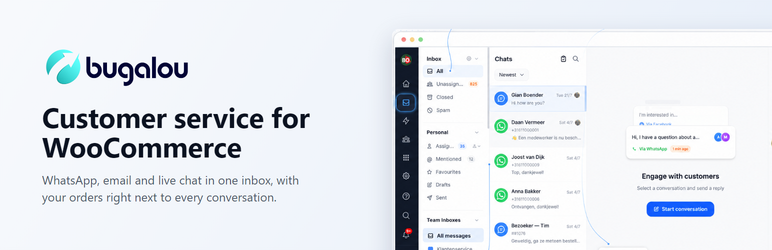
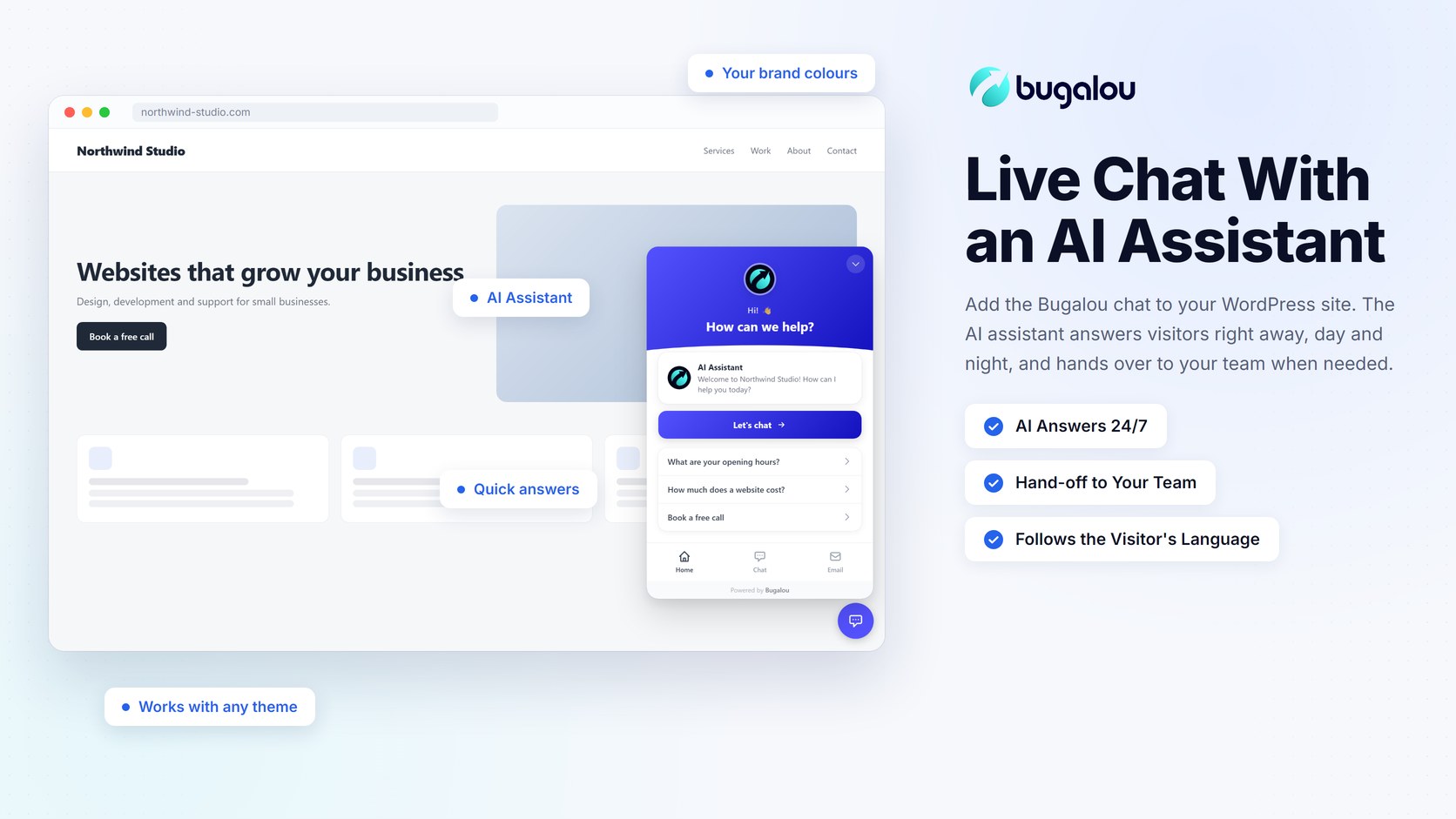
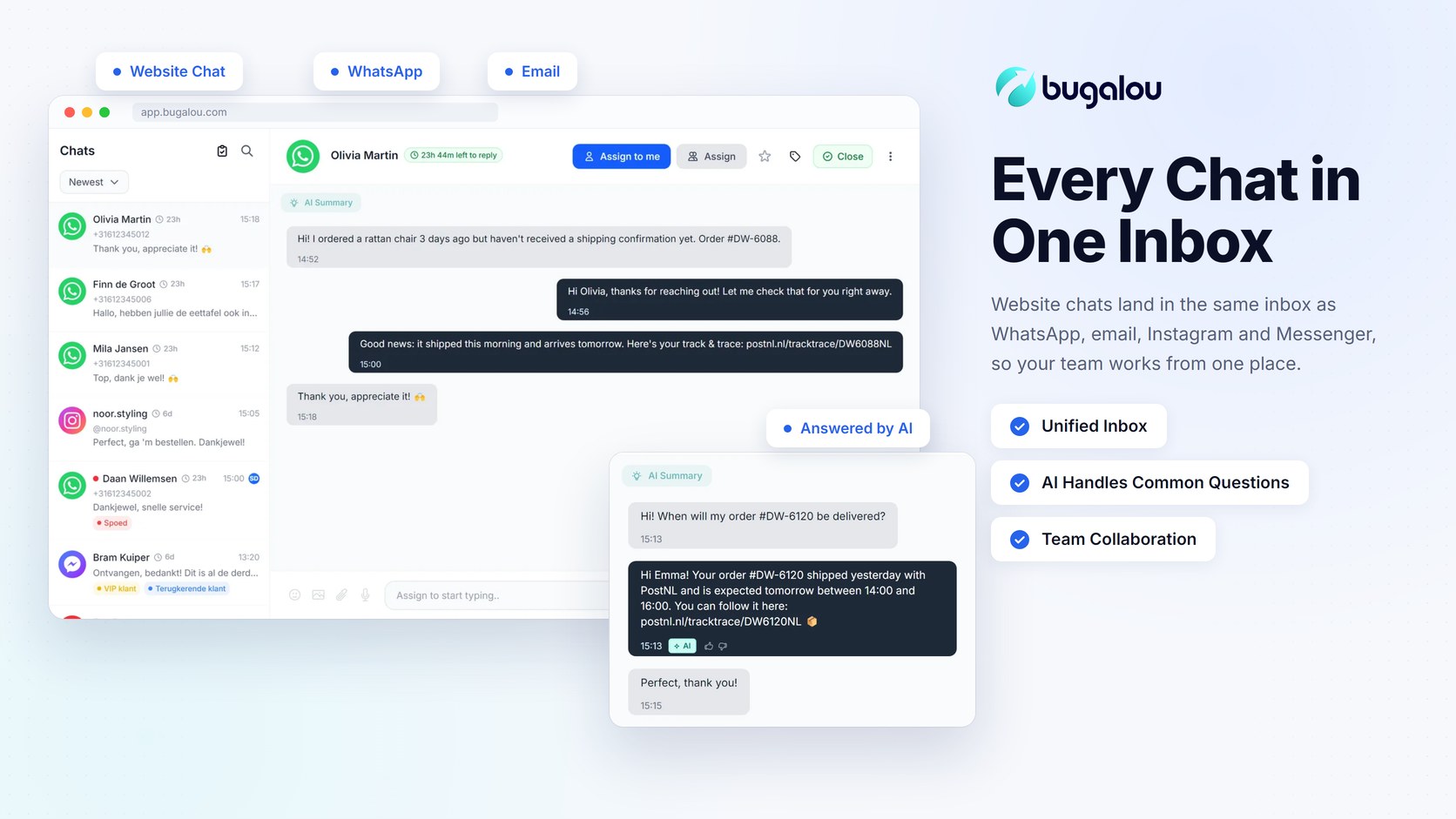
Bugalou is a customer service platform that brings WhatsApp, email, Instagram, Facebook Messenger and website chat together in one shared inbox, with an AI assistant that answers common questions right away and hands off to your team whenever a visitor needs a person.
This plugin adds the Bugalou chat widget to your WordPress site. No theme editing and no copy-pasting code:
- Free plan: website chat for 1 user, up to 50 conversations a month
- An AI assistant answers visitors right away, day and night, based on your own knowledge base (paid plans)
- Hand-off to a team member whenever needed, with the full chat history
- Every chat lands in your Bugalou inbox, next to your WhatsApp, email and social messages
- Colours, texts, opening hours and AI behaviour are managed in your Bugalou dashboard
- The chat follows the visitor’s language
Running a WooCommerce store? Use Bugalou for WooCommerce instead: it includes the same chat widget and also connects your orders.
How it works
- Install and activate this plugin.
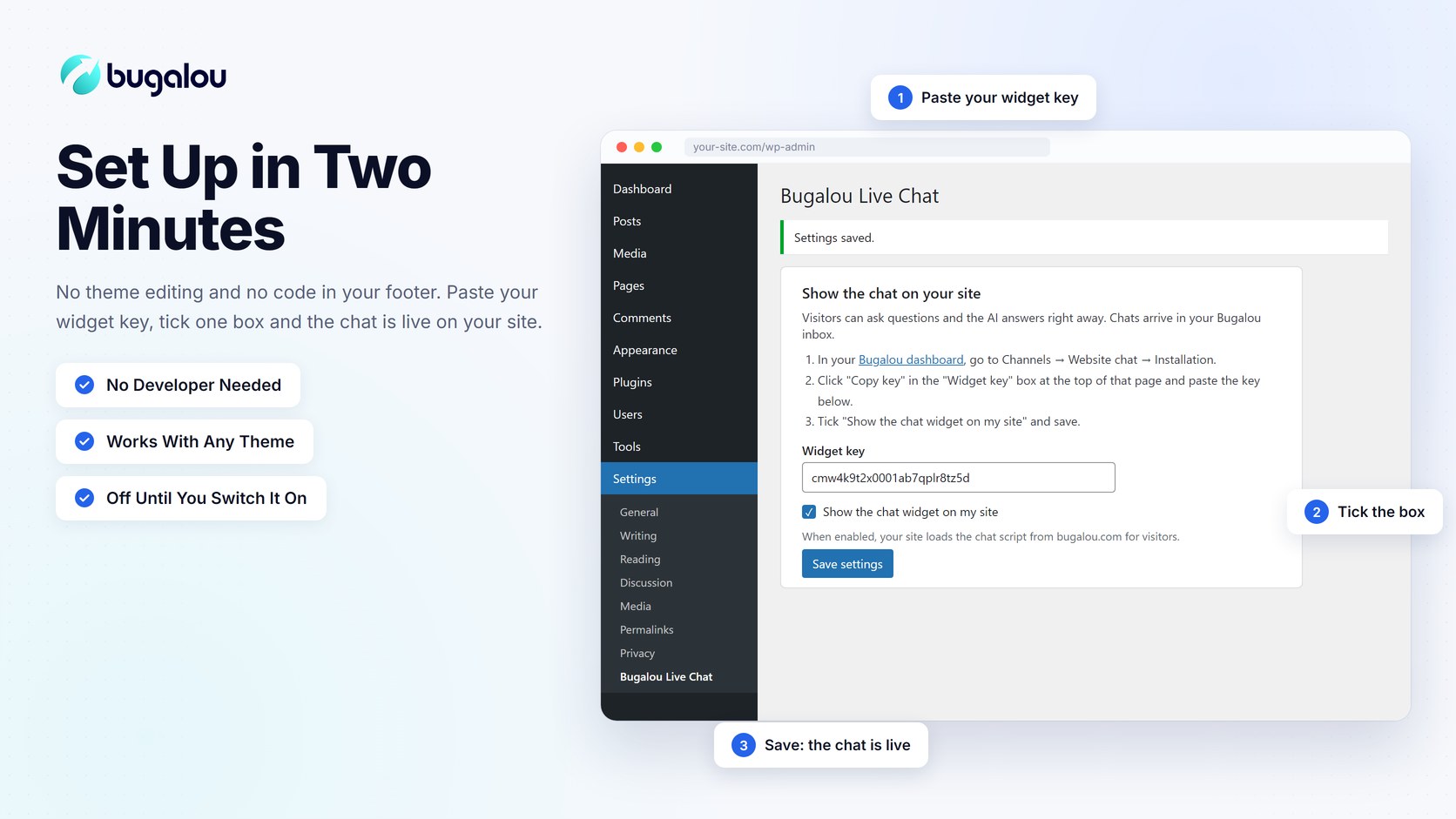
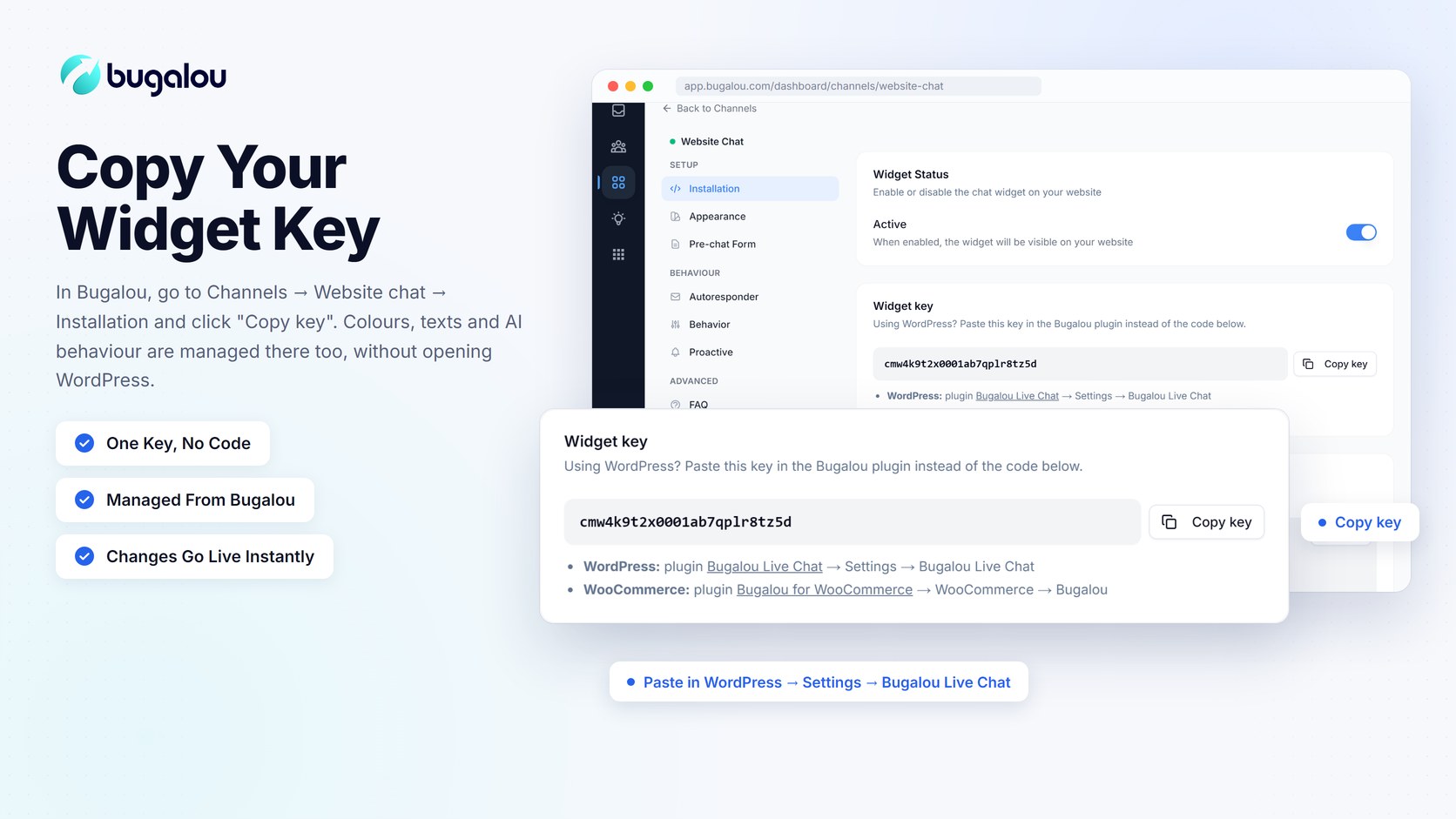
- In your Bugalou dashboard, go to Channels Website chat Installation and click “Copy key” in the “Widget key” box at the top.
- In WordPress, go to Settings Bugalou Live Chat, paste the key, tick “Show the chat widget on my site” and save.
Bugalou account required
This plugin shows the chat of your Bugalou account, an external service, so you need a Bugalou account to use it.
- Free plan: website chat for 1 user, up to 50 conversations a month, free forever. No AI assistant, and “Powered by Bugalou” is shown in the chat.
- Paid plans: the AI assistant, WhatsApp, email, social channels, automations and your whole team. Every paid plan starts with a free 14-day trial.
External services
This plugin loads the chat widget of Bugalou, an external customer service platform.
- What is loaded, and when: only after you paste a widget key and enable “Show the chat widget on my site”, your site loads Bugalou’s chat script from https://bugalou.com/widget/loader.js for visitors. Until then the plugin loads nothing on your site.
- What is sent: the script loads your widget settings from https://bugalou.com and, when a visitor uses the chat, sends the messages they type, any name, email or file they choose to share and their browser language to Bugalou, so your team and the AI assistant can answer in your Bugalou inbox. As with any web request, the visitor’s IP address and the page address are visible to Bugalou’s server. The script stores a chat session id in the visitor’s browser (local storage) so the conversation continues across pages.
-
Apart from the above, the plugin sends no data and does not track visitors.
- Bugalou privacy policy
Screenshots
Installation
- Upload the plugin files to
/wp-content/plugins/bugalou-live-chat, or install it directly through the WordPress plugins screen. - Activate the plugin through the “Plugins” screen in WordPress.
- Go to Settings Bugalou Live Chat to add your widget key.
FAQ
-
Do I need a Bugalou account?
-
Yes. Create a free Bugalou account, then copy your widget key from the “Widget key” box under Channels Website chat Installation.
-
Is it really free?
-
Yes. The free plan includes website chat for 1 user and up to 50 conversations a month, with no time limit and no credit card. The AI assistant and other channels are part of the paid plans.
-
Does the chat slow down my site?
-
No. The script loads asynchronously in the footer, after your page content.
-
Where do I change the colours and texts of the chat?
-
In your Bugalou dashboard under Channels Website chat. Changes show up on your site right away, without touching WordPress.
-
I also use Bugalou for WooCommerce. Will the chat show twice?
-
No. Both plugins use the same script, which is loaded only once. On a store you only need Bugalou for WooCommerce.
Reviews

Contributors & Developers
“Bugalou – Live Chat, AI Chatbot & Customer Support Inbox” is open source software. The following people have contributed to this plugin.
Contributors
Translate “Bugalou – Live Chat, AI Chatbot & Customer Support Inbox” into your language.
Interested in development?
Browse the code, check out the SVN repository, or subscribe to the development log by RSS.
Changelog
1.0.0
- Initial release: show the Bugalou chat widget on your site with your widget key.